Google Gemini vs Microsoft Copilot for Workspace Teams
Gemini for Workspace and Microsoft 365 Copilot are mirror products on different stacks. For most teams the answer to "which is better" is the one in the platform you already run.
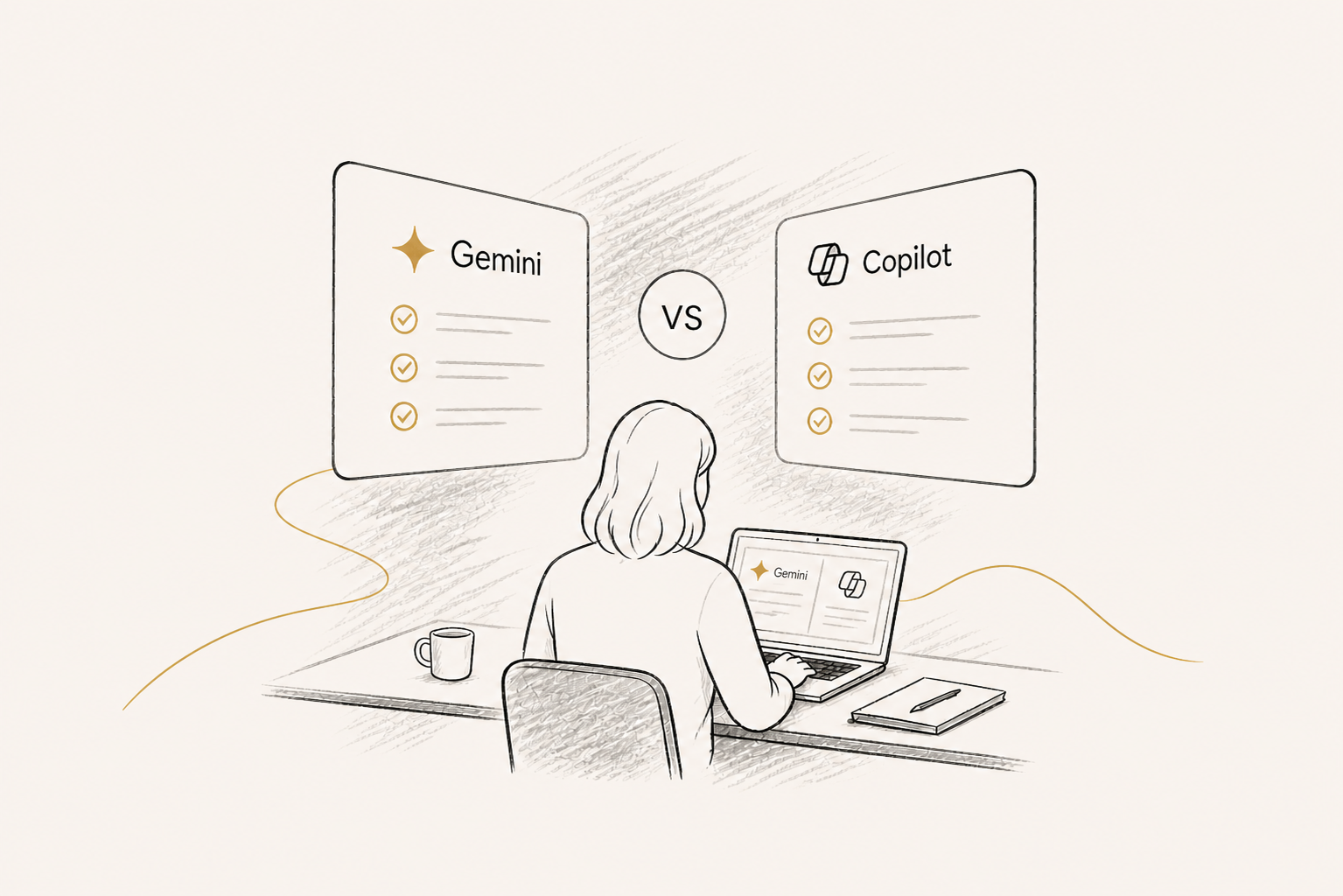
Gemini for Workspace and Microsoft 365 Copilot are not really competing for the same buyer. They are mirror products embedded in two different productivity ecosystems, and the honest answer to "which is better" is almost always "the one in the platform you already run." But there are real differences worth understanding — particularly for the growing number of organisations that run both Workspace and Microsoft 365 in different parts of the business.
Identical promise, different homes
Both products promise the same thing: AI assistance inside the apps your team already uses. Gemini drafts in Google Docs, builds formulas in Sheets, summarises Gmail threads, and generates meeting notes in Meet. Copilot drafts in Word, builds formulas in Excel, summarises Outlook threads, and generates meeting notes in Teams. Both cost around $30 per user per month at the enterprise tier. Both have enterprise governance, data residency options, and SSO. At the surface, they are mirror products.
Where Gemini wins
Gemini's standout capability is context window — Gemini 2.5 Pro handles two million tokens, which is large enough to drop in entire codebases, multi-year contract archives, or full report libraries in a single conversation. Nothing in the Copilot family matches this. NotebookLM is the second standout: a free tool that turns any uploaded document collection into a queryable AI research assistant grounded only in those sources. For document-heavy knowledge work — legal research, due diligence, academic synthesis, regulatory monitoring — NotebookLM is genuinely best-in-class. Deep Research, Google's autonomous research agent, is also significantly more polished than equivalent Microsoft tooling. If your work is research-heavy, Gemini has real advantages.
Where Copilot wins
Copilot wins on enterprise integration depth. Microsoft Graph gives Copilot contextual access to your SharePoint, OneDrive, prior emails, prior meetings, and prior documents in a way Google has not yet replicated for the enterprise. The Microsoft 365 Copilot ecosystem — Copilot Studio for custom agents, Power Platform integration, Azure OpenAI for governed deployments, GitHub Copilot for engineering teams — is significantly broader than Google's equivalent. For organisations heavily invested in Microsoft Cloud, Copilot inherits the security, compliance, and governance posture you have already built. Gemini for Workspace requires its own administration layer.
The cost of switching
Neither product makes sense to deploy independently of the underlying suite. If your business runs Microsoft 365, deploying Gemini means buying it standalone (which you can do, but you lose the integration advantage that justifies the price). Same in reverse. The decision is rarely "Gemini vs Copilot" — it is "which productivity suite, with the AI included." For most organisations the productivity suite was decided years ago, and switching is significantly more expensive than the AI tier on top.
When to deploy both
A growing pattern in mid-market and enterprise organisations is running Workspace in some parts of the business (often marketing, design, and creative teams) and Microsoft 365 in others (often finance, operations, and IT). When this is the reality, the right approach is to deploy the relevant AI in each suite — Gemini where Workspace lives, Copilot where 365 lives — rather than trying to standardise on one. Forcing a Microsoft team to do their work in Google Docs or vice versa creates more friction than the AI saves. AI follows the productivity stack; it should not redirect it.
How to choose
Three questions in order: Which productivity suite does the team already use most? Which suite is your security and identity infrastructure most integrated with? Which suite are your most important workflows already living in? The AI choice follows from those answers. If you are genuinely starting from zero (rare in mid-market), the broader question is which suite better fits your business — and the AI is one factor among many. If you already have a suite, deploy its AI. The "should we switch suites for the AI" question is almost never worth asking.
Agata Adamczak
Founder, Lumii Advisory · AI Strategy & Digital Transformation
AI Platform Guides
Tool-by-tool guides to every AI platform
Honest, plain-English guides to ChatGPT, Claude, Gemini, Copilot, and Perplexity.



Let’s find your light.
Whether you are at the start of your AI programme or deep into it, a single conversation can change its trajectory.