Microsoft Copilot vs ChatGPT Enterprise: Which One for Mid-Market?
Both cost roughly $30 per user per month. Both have enterprise-grade governance. But they solve fundamentally different problems — and the right choice depends almost entirely on where your team already lives.
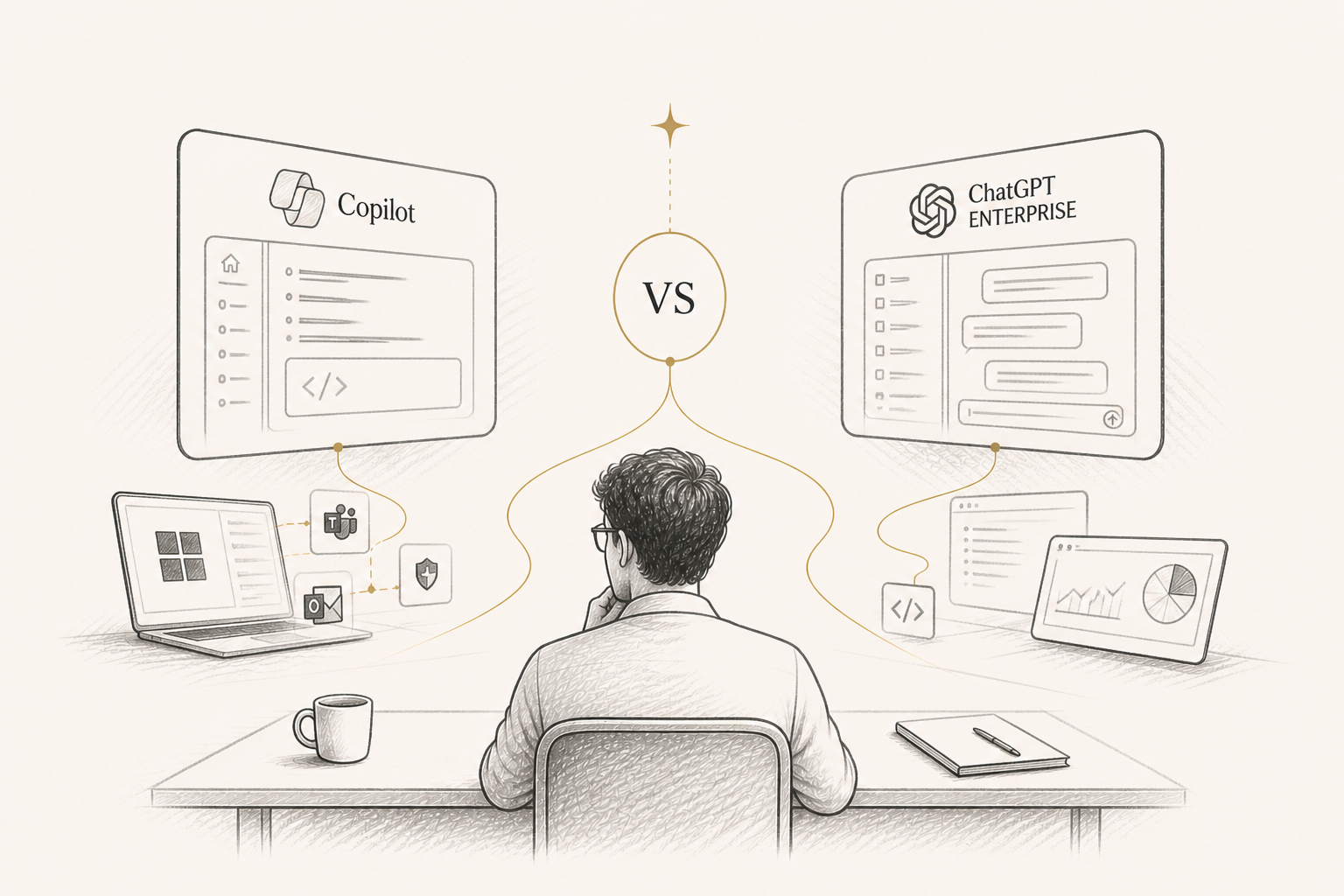
The two questions I get asked most often by mid-market CIOs are "should we deploy Microsoft 365 Copilot?" and "should we deploy ChatGPT Enterprise?" Often, both. The two products are frequently positioned as alternatives, but they are not — they solve different problems, and the best AI strategies use both. Here is the honest comparison.
The fundamental difference
Microsoft 365 Copilot lives inside the apps your team already uses. It drafts in Word, builds formulas in Excel, summarises Teams meetings, and triages your Outlook inbox. ChatGPT Enterprise is a standalone AI workspace — your team opens a browser tab and works inside ChatGPT. One is embedded; the other is destination. Both are around $30 per user per month at the enterprise tier. Both have SSO, admin controls, and zero data retention. The choice is not about price or governance — it is about where you want AI to live in your workflow.
Where Copilot wins
Copilot wins decisively when AI assistance happens inside the work itself. Drafting a board paper in Word with the Copilot pane open is faster than copying text into ChatGPT and back. Building a financial model in Excel and asking Copilot to generate the formula in plain English is faster than describing the model to ChatGPT. Summarising a Teams meeting where Copilot was already attending is faster than uploading a transcript to ChatGPT. The Microsoft Graph integration also gives Copilot context the standalone alternative cannot match — it can pull from your SharePoint, your OneDrive, your previous emails, your previous meetings. That contextual awareness is genuinely valuable for organisations deeply invested in Microsoft 365.
Where ChatGPT Enterprise wins
ChatGPT Enterprise wins for general-purpose AI capability. The 128K context window is significantly larger than what Copilot exposes. Custom GPTs let you build tailored AI tools without engineering involvement. DALL-E 3 image generation, voice mode, and Operator agent are all available — none of which exist in Copilot. For complex, multi-step reasoning tasks — legal analysis, research synthesis, strategic planning — ChatGPT Enterprise will outperform Copilot every time. It is also significantly more flexible: you can connect to anything via the API, build your own assistants, and extend it in ways Copilot does not allow.
The honest pricing maths
Microsoft 365 Copilot is around $30 per user per month, but it requires an existing Microsoft 365 E3 or E5 licence (which already costs $36–57 per user per month). ChatGPT Enterprise is also around $30 per user per month, and it is genuinely standalone — no other licence required. For a 200-person business already running Microsoft 365 E5: Copilot costs $30 per user; ChatGPT Enterprise costs $30 per user. Running both costs $60 per user per month — meaningful but not enormous, and the capability gain is real. Most mid-market businesses I work with end up running both.
Governance and data residency
Both platforms offer enterprise-grade governance: SSO, audit logs, no training on company data, and regional data residency options. Microsoft has the edge if your IT team is already deeply integrated with Microsoft Defender, Purview, and the broader Microsoft compliance suite — Copilot inherits that posture automatically. ChatGPT Enterprise has its own governance stack but it is a separate set of tools your IT team has to manage. For regulated industries, the integration advantage Copilot has with the rest of Microsoft Cloud is non-trivial.
The adoption pattern that actually works
Across the mid-market businesses I have worked with, the most successful AI rollout pattern is this: start with Copilot for the productivity layer (drafting, formulas, meeting notes), and add ChatGPT Enterprise (or Claude Enterprise) for the deeper work. Train your team on both. Measure adoption per tool per role. Most teams settle into a pattern within 90 days where Copilot handles 60–70% of daily AI use and the standalone platform handles the heavy reasoning and creation work. This dual approach is more expensive than picking one — but it is dramatically more capable, and the per-user cost is still small relative to the productivity uplift.
How to decide if you can only pick one
If your team lives in Microsoft 365 all day and your AI use cases are dominated by drafting, light analysis, and meeting management — Copilot. If your team needs deep reasoning, custom AI tools, image generation, voice, or work that happens outside Microsoft 365 — ChatGPT Enterprise. If your dominant cost concern is licence sprawl rather than capability — Copilot, because it adds to a stack you already have. If your dominant concern is being on the leading edge of AI capability — ChatGPT Enterprise, because OpenAI ships new model capabilities to the standalone product before they reach Copilot.
Agata Adamczak
Founder, Lumii Advisory · AI Strategy & Digital Transformation
Engagement Models
Three ways to work with Lumii
Workshops, project sprints, and advisory retainers — pick the shape that fits your AI rollout.



Let’s find your light.
Whether you are at the start of your AI programme or deep into it, a single conversation can change its trajectory.